Melvor Idle 2 is single-player, and its launch-day developer replies say official mod support and additional languages are still to come.
For launch problems, use the symptom-specific answers below: confirmed window fixes are separate from player-reported Mac and license workarounds.
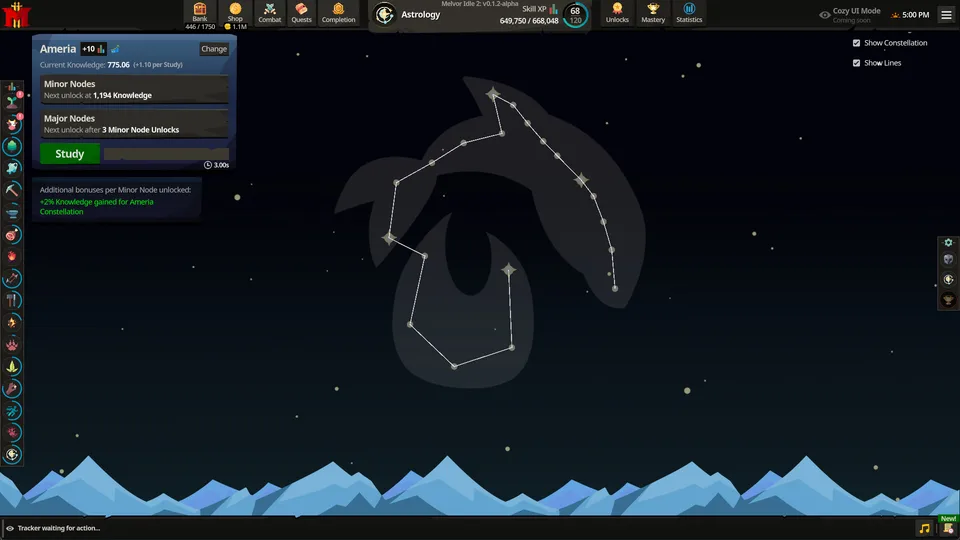
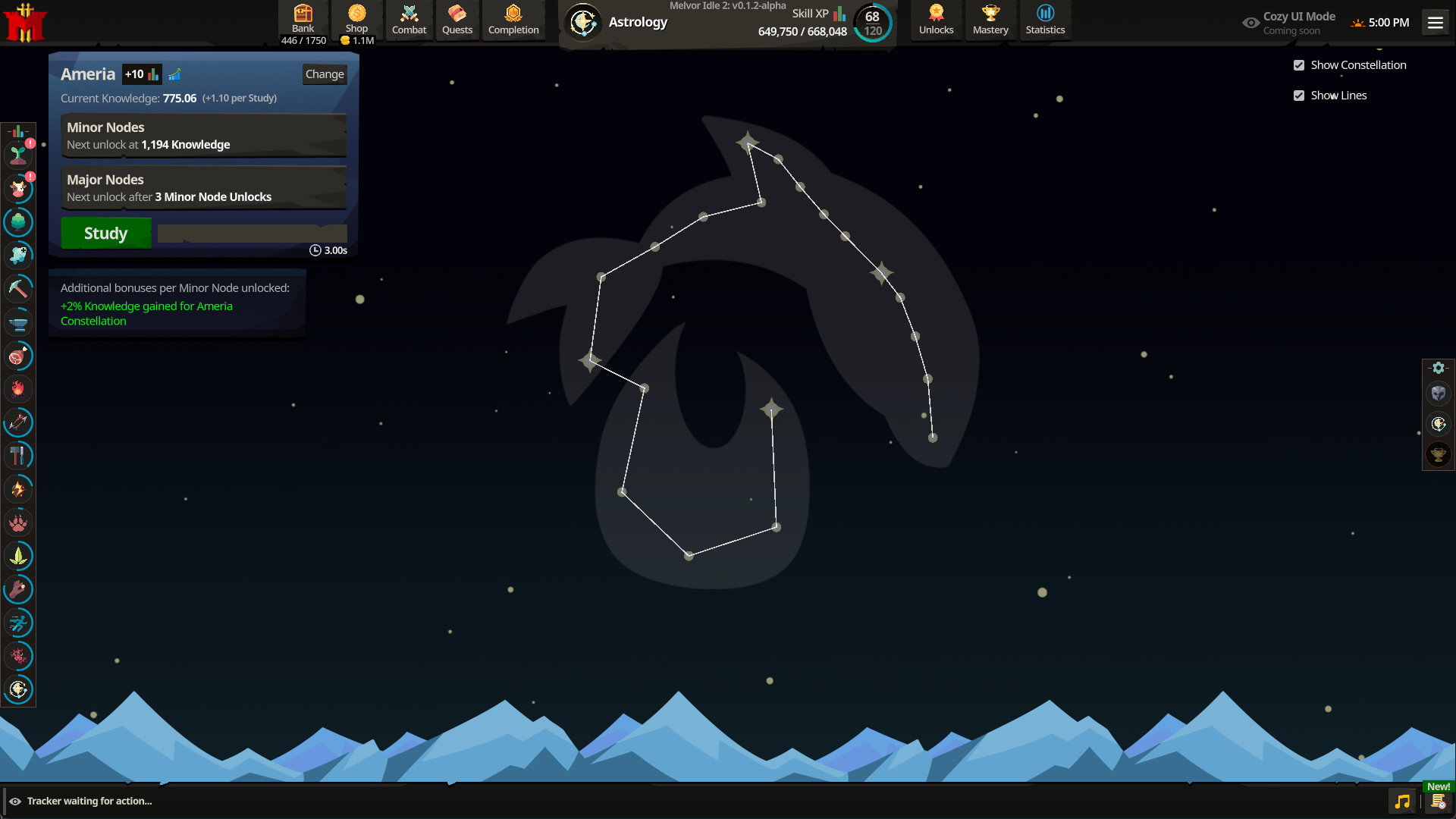
Notifications cover the Astrology unlock window
Click a notification to dismiss it, or adjust Notifications in Settings to reduce the popups.
The official Early Access patch fixes level-up and task-progress notifications not dismissing when clicked. In a launch-day thread, one reply recommends filtering Notifications settings, and another suggests clicking the obstructing popups. This addresses the interface obstruction; it does not purchase or unlock an Astrology node for you.
Is Melvor Idle 2 multiplayer or online-only?
It is single-player, not co-op or an MMO. The official store lists cloud saves and social features such as friends, optional cloud profiles and activity presence; these do not make the adventure multiplayer.
Offline play exists: the November 12 developer post says offline players’ demo saves carry over on the same device. That does not establish that the Steam edition can launch without the Steam client. For training while the game is closed, see offline progress.
Melvor Cloud says “login failed”
Sign in with your Melvor Cloud username, not your email address. If you forgot the username, request a password reset; the email includes it. The developer confirmed this in a November 17 Early Access support thread.
Steam shortcut says “No license”
Try launching from the Steam Library rather than the desktop or taskbar shortcut. In lilojigsaw’s launch-day report, both shortcuts produced the error, while opening the game through Steam worked.
This is an attributed workaround for that shortcut symptom, not a verified repair for every ownership or offline-license error. The report does not establish a way to play without Steam open.
Windowed mode has no movable border
In the October 19 demo-era thread, restarting after switching to windowed mode fixed the missing border for one player. The community manager recommended this in the windowed-mode thread, and another player confirmed that reloading restored it. The developer also suggested switching fullscreen and back, and checking the resolution.
On a Windows multi-monitor setup, one player reports that Windows + Shift + Left/Right moved the game to another screen and restored its title bar; another confirmed the workaround on November 17, after the Early Access launch. This is not a Mac or Steam Deck instruction.
If the problem is a crash rather than a missing border, the Early Access patch notes say Windows now defaults to Direct3D 12 instead of Vulkan to address crashes during resizing or windowed/fullscreen changes. They do not promise every display issue is fixed.
Mac opens to a black screen with sound
One player-proposed workaround is to launch with --rendering-driver opengl3. Calf №269’s Mac report gives these steps:
- Right-click Melvor Idle 2 in the Steam Library and open Properties.
- In General → Launch Options, enter
--rendering-driver opengl3. - Close Properties and launch the game again.
This is a player suggestion, not a developer-confirmed fix; the thread had no replies when checked on November 17. If it does not help, remove the added option. Do not treat this as a guarantee for every Mac or as the Windows renderer fix above.
Are mods or Steam Workshop available?
Official mod support is still planned, according to the developer’s November 17 reply. The developer response in “Mods” says the forthcoming Early Access roadmap will give approximate feature timings.
The store’s core-feature list already describes an in-game mod manager, but the newer, explicit developer answer says support is future work. No Workshop release date is established by that reply. Do not assume the first Melvor Idle’s mods work in this sequel.
Which languages are supported?
The Steam launch lists English only; more languages are planned without a confirmed date. The official FAQ from the developer confirms additional languages but does not name a release schedule. Russian, French and Chinese dates therefore remain unannounced in that source.
For release status, platforms and save transfer, use the Early Access launch guide.
Sources
- Althalus: Melvor Cloud username loginNovember 17 Early Access: use the account username, not email; a password-reset email includes a forgotten username.
- Official Steam storeSingle-player, English, cloud and social features. The mod-manager description conflicts with the developer's launch-day clarification below.
- Althalus: official launch-day FAQOther languages planned without a confirmed date.
- Althalus: Mods reply, November 17Official mod support is planned, not yet released.
- Windowed mode: developer guidance and confirmed player resultOctober 19 demo-era restart advice confirmed by NawchoDaddy; Windows multi-monitor workaround separately confirmed by Zoulja on launch day.
- Official Early Access patch notesWindows default renderer changed from Vulkan to Direct3D 12 to address resize and display-mode crashes.
- Calf №269: Mac black-screen workaroundFirsthand player suggestion, not a developer-confirmed fix; no replies at review.
- lilojigsaw: shortcut license-error reportReporter can launch from Steam despite shortcut errors; no general license fix established.
- Official November 12 launch detailsOffline saves carry over on the same device.
- Players: notifications obscure Astrology controlsoroelf recommends Notifications settings; TheDiaz recommends click dismissal, which the official launch patch fixes.