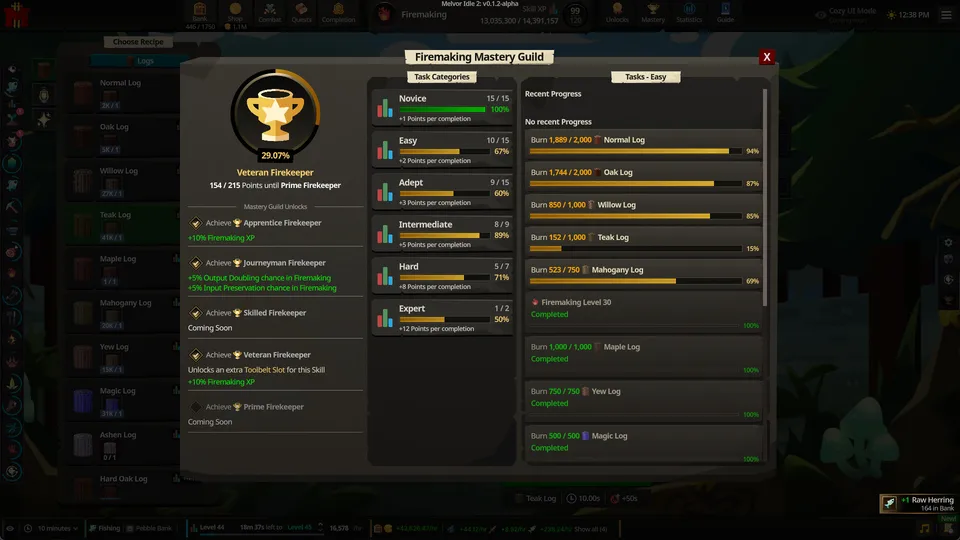

Use Products Gained for the number of items you want from this session. Use Recipe Creations for the number of completed crafts. A recipe producing a bundle can make those numbers very different.
Choose the right counter
| Stop condition | Use it for |
|---|---|
| Recipe Creations | Completing a fixed number of crafts |
| Products Gained | Adding a chosen number of products during this batch |
| Products Owned | Reaching a target bank stock, including what you already own |
| Ingredients Spent | Spending a fixed amount of one ingredient |
| Ingredients Remaining | Keeping a reserve of one ingredient |
| None | Running until you stop or materials run out |
Products Owned is useful for restocking. Products Gained is useful when you want an additional amount irrespective of your starting bank stock.
Example: 1,000 Arrow Shafts
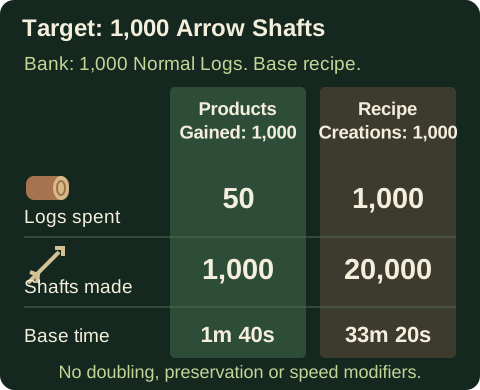
At base output, the Arrow Shaft recipe consumes 1 Normal Log and makes 20 Arrow Shafts in a two-second step. With no doubling, preservation or speed changes:
- Products Gained 1,000 takes 50 crafts and 50 logs.
- Recipe Creations 1,000 takes 1,000 crafts and 1,000 logs, producing 20,000 shafts.
Both settings contain the same number, but the second orders twenty times as much production. The base time for the 50-craft batch is 100 seconds; bonuses can change the actual result.
Apply the condition to the active batch
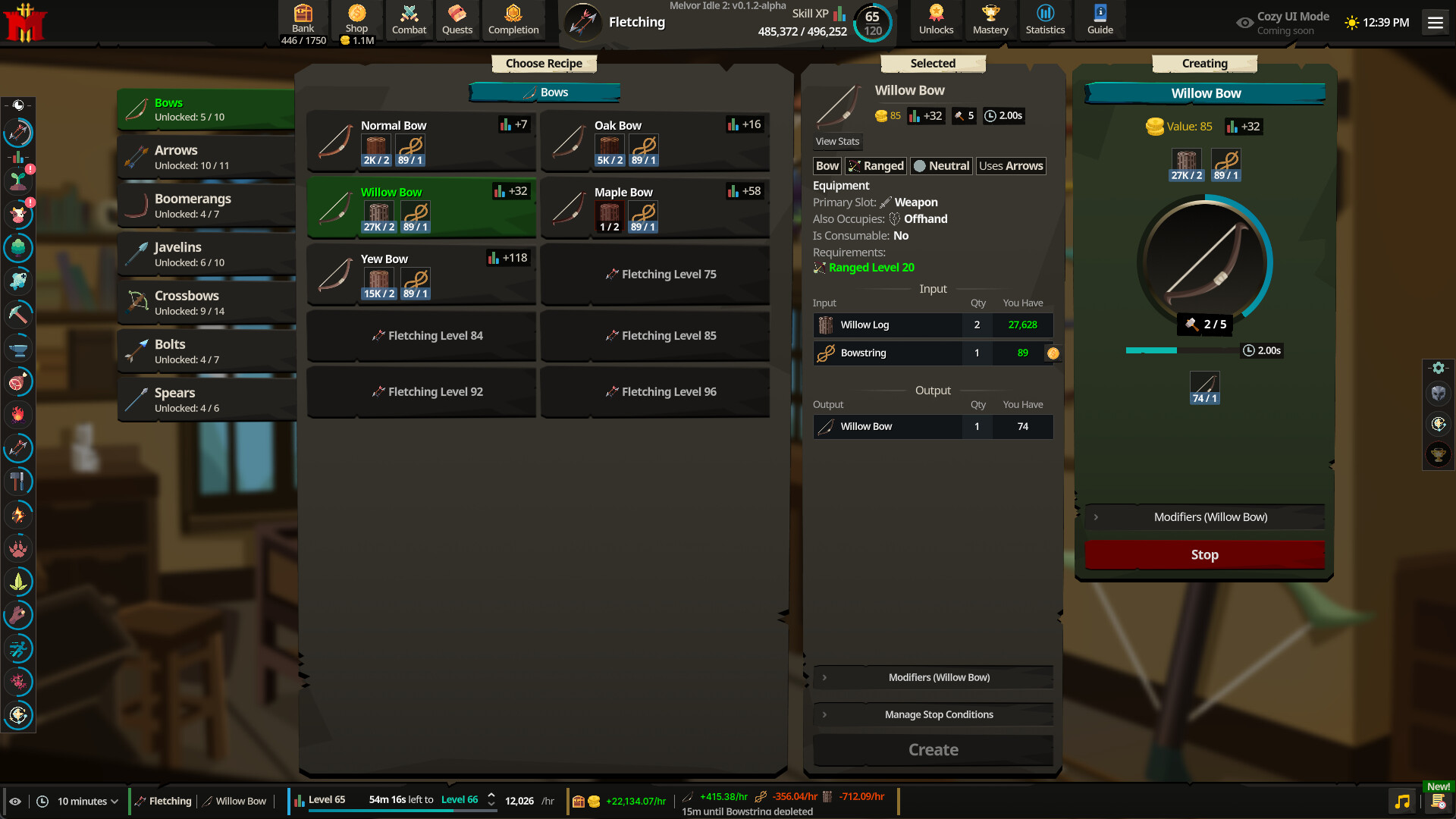
- Select the recipe.
- Open Manage Stop Conditions in the Selected panel.
- Choose the counter and quantity.
- Press Create.
If that same recipe is already running, stop it and start it again after changing the condition. Editing the Selected panel does not retroactively replace the running batch’s condition.
Keep another ingredient in reserve
A single ingredient condition is not a promise that every ingredient will remain available. Read all inputs before leaving. For a multi-ingredient recipe, the smallest affordable batch among those inputs limits production.
When working on Mastery Guild tasks, compare the objective’s wording with the stop counter. Reaching a product target does not prove that an action-count objective advanced by the same amount.
The batch planner calculates complete crafts from a product target, checks each ingredient and compares the required time with eligible offline hours. Its selected recipe records retain the source version and base step counts.
Sources
- Independent demo recipe definitionsDemo 0.11.2-alpha.4 records. Ingredients, completed outputs, levels, steps and base intervals are separate fields.
- Demo 0.11.4 artisan completion rulesIngredients remain necessary through multi-step progress; preservation is checked at completion.
- Crafting controls and stop optionsSecondary reference for interface control locations; numeric definitions are listed separately above.