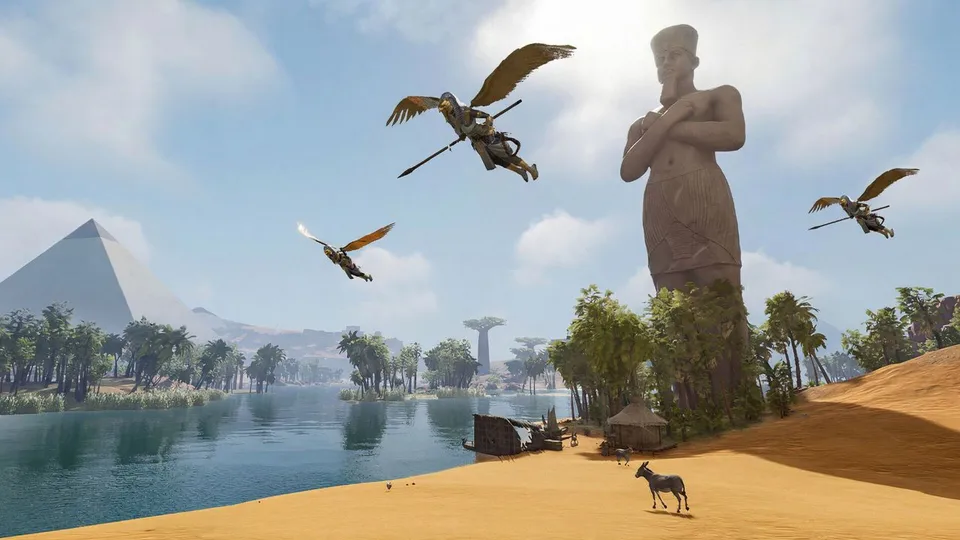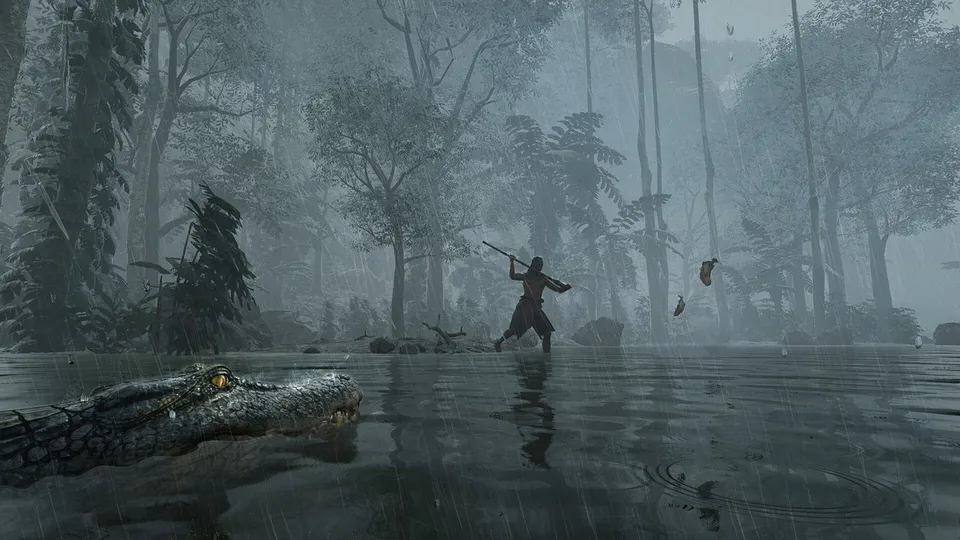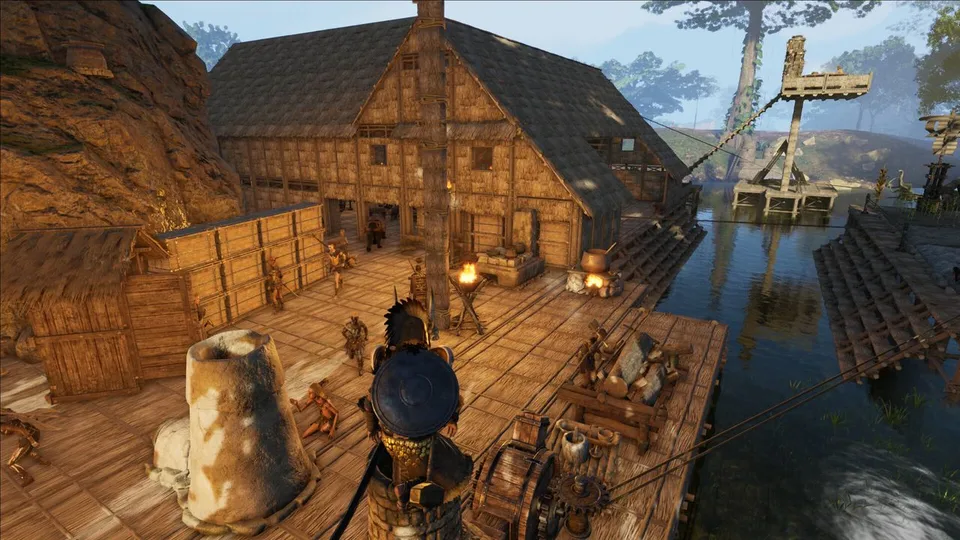
Soulmask supports solo, co-op hosted from a save, private dedicated servers and official servers. In co-op the host owns the world: only the host can switch maps through a World Portal, and doing so moves every character and disconnects online players. Friends who play together should join one tribe; tribe membership carries across both maps. A dedicated server is the free Steam tool 3017310 (Windows) or 3017300 (Linux).
Playing together
- Tribes: create or join a tribe to share bases and tribesmen. Ranks are Leader, Priest, Noble and Civilian, and the leader sets permissions per rank. The default tribe size is 20 players (setting up to 50).
- Shared limits: the 50-tribesman tribe cap and the per-tribe ship and animal caps are shared by all members.
- Co-op host: only the host can use a World Portal to switch saves. All characters, including offline ones, move with the host.
- Playing when the host is away: a co-op world runs from the host’s game. A group that plays at different times is better served by a dedicated or rented server, which keeps the world online.
- Chests: by default other players cannot open your chests or workbenches; two settings allow it.
Dedicated server setup
-
Install SteamCMD and download the server (use app ID
3017300on Linux):steamcmd +login anonymous +app_update 3017310 validate +quit -
Copy
StartServer.bat(orStartServer.sh), and add parameters to the end of thecall StartServer.batline. -
Open two UDP ports: the game port (8777 by default) and the Steam query port (27015).
-
Start the server, then connect from the in-game server list or by IP.
-
Shut down cleanly:
telnet 127.0.0.1 18888, thenquit 180. Closing the window can roll back data.
| Parameter | Use |
|---|---|
-SteamServerName="Name" |
Name in the server list |
-MaxPlayers=50 |
Player slots |
-PSW="password" |
Join password |
-adminpsw="password" |
GM password; open the GM panel with gm key password |
-pve or -pvp |
Server rules |
-Port=8777 -QueryPort=27015 -EchoPort=18888 |
Game, query and local maintenance ports |
-backup, -saving, -backupinterval |
Database write and backup intervals |
-MULTIHOME=0.0.0.0 |
Listening address |
Hardware from the official text: at least 16 GB of memory and 2–4 CPU cores per game instance, about 100 kbps per player, 20 GB free disk. Saves are in WS/Saved under the server folder; gameplay settings are written to WS/Saved/GameplaySettings/GameXishu.json. Third-party hosts start the Shifting Sands map with the level name DLC_Level01_Main instead of Level01_Main.
Private servers can also be linked into a cross-map group like the official ones (one Cloud Mist Forest and two Shifting Sands servers). CampFire’s own setup guide for this is posted on its Discord.
Settings worth changing
The game ships 282 server settings, and many have different ranges in each mode. English labels below are descriptive; the in-game text may differ.
| Setting | Default | Why change it |
|---|---|---|
| Awareness XP | 1 | Faster levelling; single-player saves already use at least 3x |
| Crafting speed | 1 (up to 100) | Shorter queues for furnaces and workbenches |
| Gathering, mining, logging yield | 1 (up to 3) | More material per node |
| Barbarian taming speed | 1 | Faster Recognition when recruiting |
| Connection Enhancement I/II/III | 6 / 10 / 15 | Raises the per-player tribesman limit |
| Tribe tribesman cap | 50 | Raises the shared tribe limit |
| Building decay | On | Turn off for a quiet server |
| No item drop on death | Off | Keeps gear after death |
| Days offline before tribesmen go dormant | 7 | Stops bases from going idle for part-time players |
| Mask mimicry upgrade (Ascension) | On | Turn off to match PVP rules |
| Ship blueprints consume materials | On | Turn off to build Workshop ships freely |
For a gentler fight without changing EXP, lower the damage-taken settings for barbarians and beasts, as the official beginner guide recommends.
Official servers
Official servers run in Asia, North America and Europe. Official PvE servers moved to permanent 3x rates on 16 April. Long-term PvP servers have raid windows (Asia 12–15, North America 02–05, Europe 19–22 UTC), and no-raid servers have been no-raid around the clock since 26 June.
Sources
- Soulmask Fandom - Private Server (official setup text)SteamCMD app IDs, StartServer.bat, launch parameters, telnet shutdown, save paths, hardware. Early Access.
- Soulmask Systems Wiki - server settings282 settings across five mode schemas, read from the dedicated server package.
- SteamCMD app info - Soulmask Dedicated Server for WindowsServer app 3017310 (Windows) and 3017300 (Linux), updated 12 November 2026.
- Things you need to know before official launchCross-map private servers, official server regions, tribe carry-over.
- Summer update - World PortalsOnly the co-op host can switch saves.
- Official PvE server adjustment noticeOfficial PvE servers at 3x rates.
- Soulmask Fandom - TribeLeader, Priest, Noble and Civilian ranks; invasions and Fever.
- Pterodactyl egg for SoulmaskThird-party Linux config: ports, GameXishu.json, DLC map name.