
Difficulty and death: what you lose and how to get it back
- Checked
- Game version
- Update 2.3.30
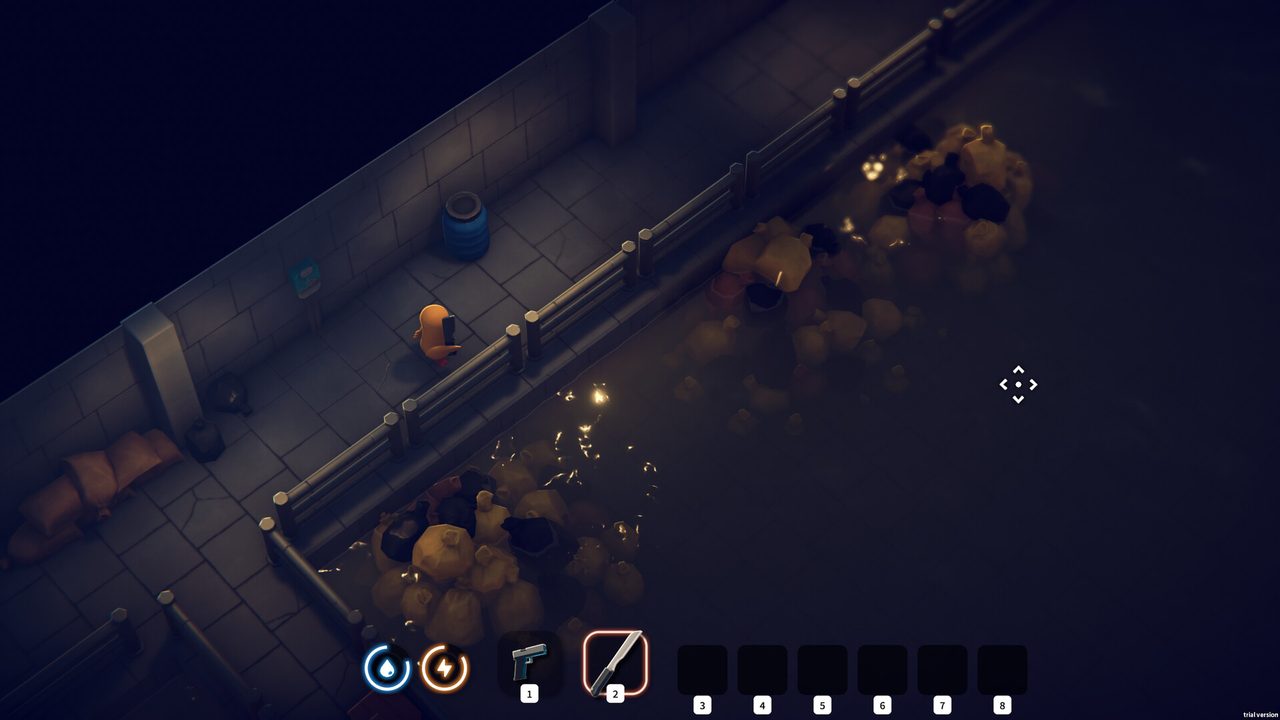
On Scavenge, Relaxed, Balanced and Survival you can go back for gear you lost: the bunker tells you the items are waiting where you died, and the clock is ticking. On Brave, Extreme and Rage, lost gear is gone for good. Items in the Pet Backpack are kept either way.
Difficulty presets
| Preset | Enemy damage | Enemy health | Other changes | Lost gear |
|---|---|---|---|---|
| Scavenge | 40% | 40% | Very low recoil, very slow enemy reactions | Recoverable |
| Relaxed | 60% | 60% | Lower recoil, slower enemy reactions | Recoverable |
| Balanced | 80% | 80% | Recoverable | |
| Survival | 100% | 100% | Slightly faster enemy reactions | Recoverable |
| Brave | “No return” | Lost for good | ||
| Extreme | 150% | Lost for good | ||
| Rage | 160% | 40% | Much faster enemy reactions; bleeding is never removed; cannot be changed | Lost for good |
| Custom | You choose | You choose | Cannot be changed once selected | Your choice |
Custom difficulty also sets the “Lost Items Count”, the number of death spots the game keeps. The launch FAQ says Rage unlocks after you clear the game on any difficulty. The Island Challenge used to lock to Balanced; since update 2.3.18 it follows your selected difficulty.
Getting lost items back
After a death, a Lost Items marker remains where you fell. Return in a later raid and interact with it to take everything back. A second death before you recover the first can cost you the older spot when the lost-items count is used up. Update 1.0.26 widened the interaction range for lost items and closed an exploit that made players invincible while using them during extraction.
What is never lost
- Pet Backpack: the game’s safe container; what you put in it stays with you on death. Its capacity grows with the Dog Trainer skills and a capacity item.
- Bunker progress: quests, buildings and stash are untouched by a death.
Saves and backups
Saves are stored locally (Windows: %appdata%/../locallow/teamsoda/duckov; Mac: ~/Library/Application Support/TeamSoda/Duckov/) and sync to Steam or Epic cloud saves. There are six save slots since update 1.2.5. To roll back, use Restore Backup at the bottom right of the save selection screen and pick a backup dated before the problem; the developers pointed players there after update 2.3.19 fixed a bug that deleted items from Display Cabinets.
Sources
- Game localisation text (difficulty descriptions)Enemy damage and health per preset, lost gear rules, Pet Backpack.
- Escape from Duckov launch FAQ (Steam)Difficulty list, Rage unlock, save location.
- Patch notes: Update 2.3.19 (Steam)Restore Backup button on the save screen.
- Update log V1.2.5 (Steam)Six save slots.
Read next
 Beginner guide: first raids, difficulty and the bunkerWhat to do in your first hours of Escape from Duckov: which difficulty keeps lost gear recoverable, the first Jeff quests, what to build first and what the Pet Backpack protects.
 Co-op, multiplayer and mods: what works in 2026Escape from Duckov has no official co-op; the community co-op mod (v1.4.8.1) adds LAN and online play. How to install it and Workshop mods safely, and what the 2025–2026 malware cases mean for you.
 Ammo and armor: how armor piercing works and which rounds to loadThe Escape from Duckov armor formula, AP level and armor break for every ammo type, body armor and helmet values, and which rounds beat Lv.4 to Lv.6 armor.
- Bunker buildings: what each one does and the quest that unlocks itEvery Escape from Duckov bunker building: which quest builds the Workbench, shops, Medic Station, Gym, Kitchen, Tech Center and Teleporter, which NPC each brings, and what the 3D Printer and Bitcoin Miner do.